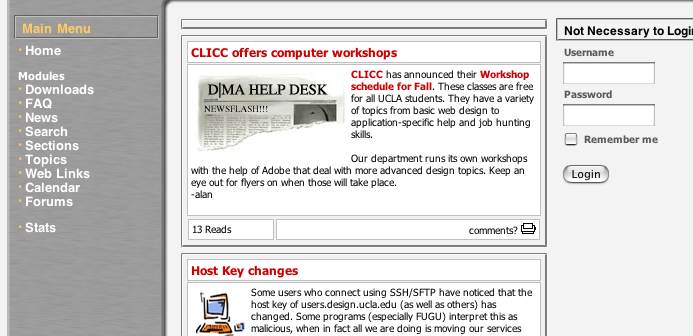
go to the download section
ok, no pretty pictures in the mac tutorial
so maybe some pretty typography
but damn default font feature!
(nevermind, web designer joke)
ok, go to the support.design.ucla.edu site
go to the download section
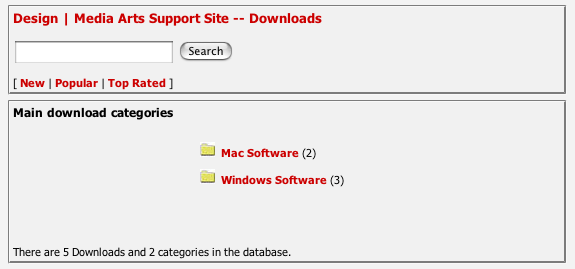
go to the mac software section
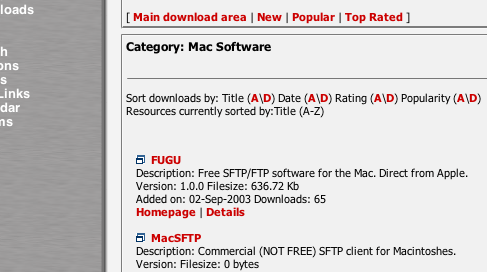
download FUBU
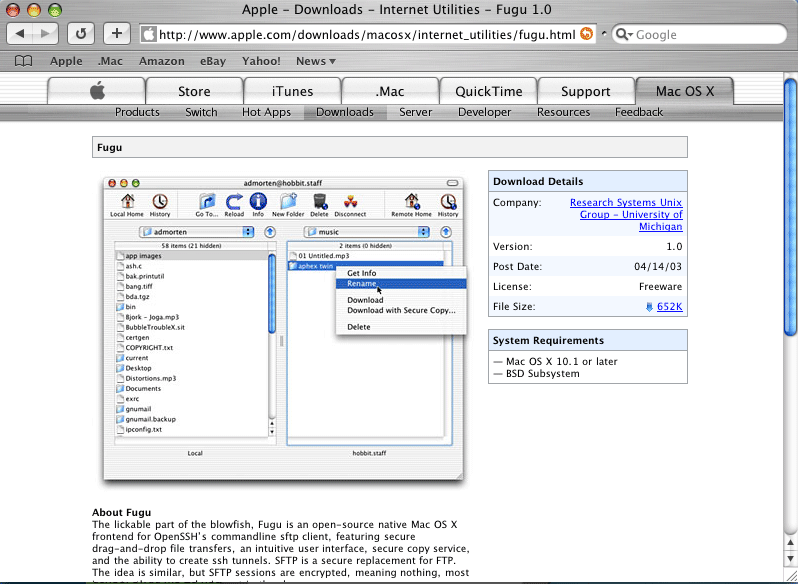
it will actually take you to apple.com but still download it form there
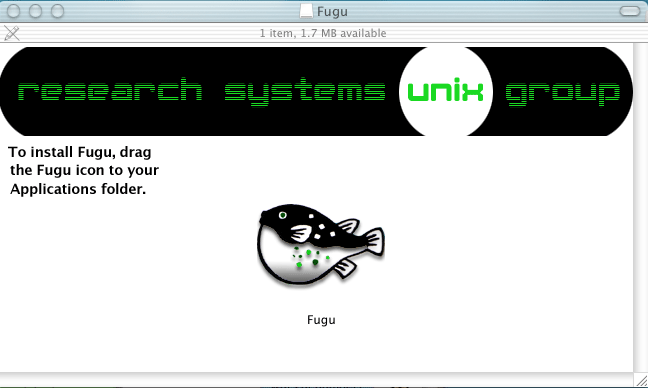
ok now, install the program, it will ask you to drag an icon into your applications
folder, do so
now run the program
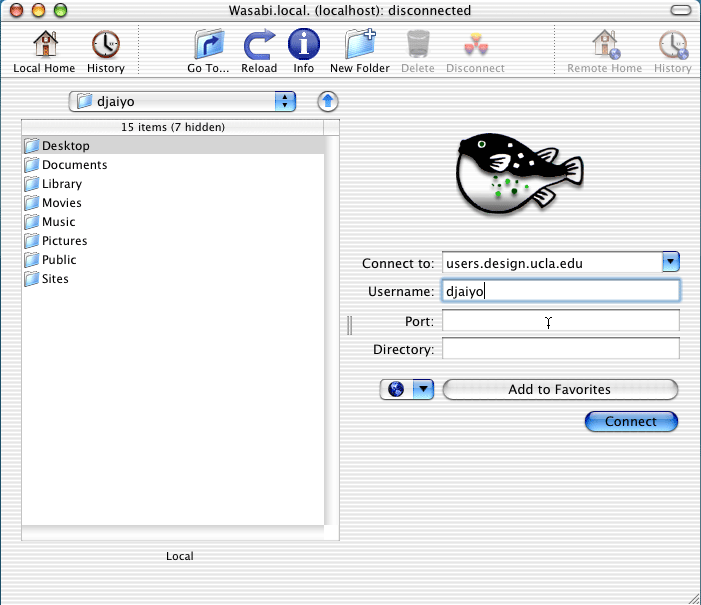
it will ask you for where to connect to:
you want to connect to: users.design.ucla.edu
use the username you use for access to the computers at DMA labs
if you do not know your password or forgot it, go here
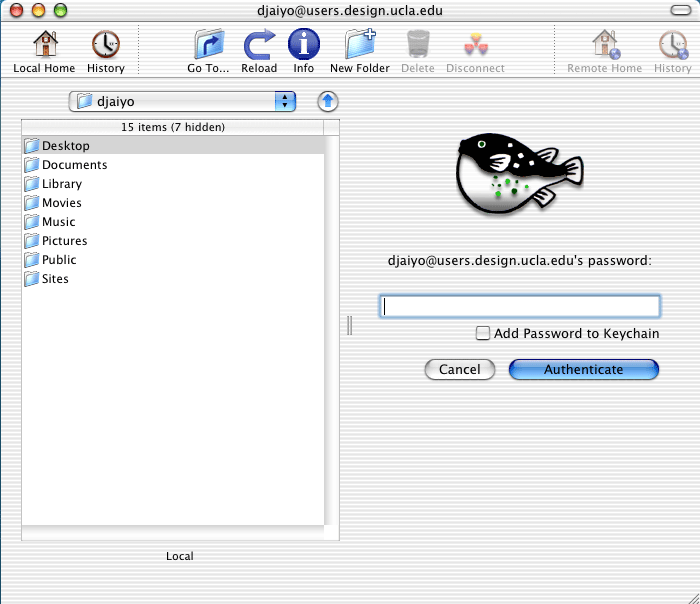
It will then ask you for a password, use your password
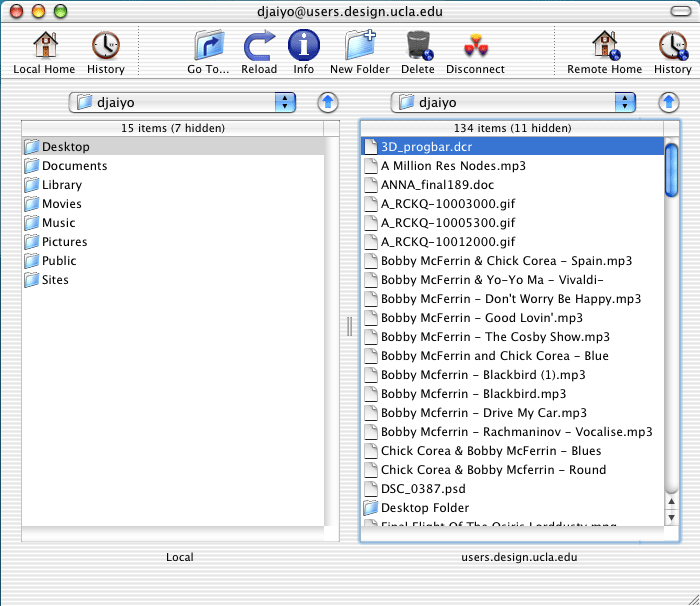
now on the right window, is your server space at DMA, this is where you store
all your files and you an only you have access to it.
to upload, just find the file using the left window and drag it to the right
window.
to download, do the inverse and drag the right window file to the left window
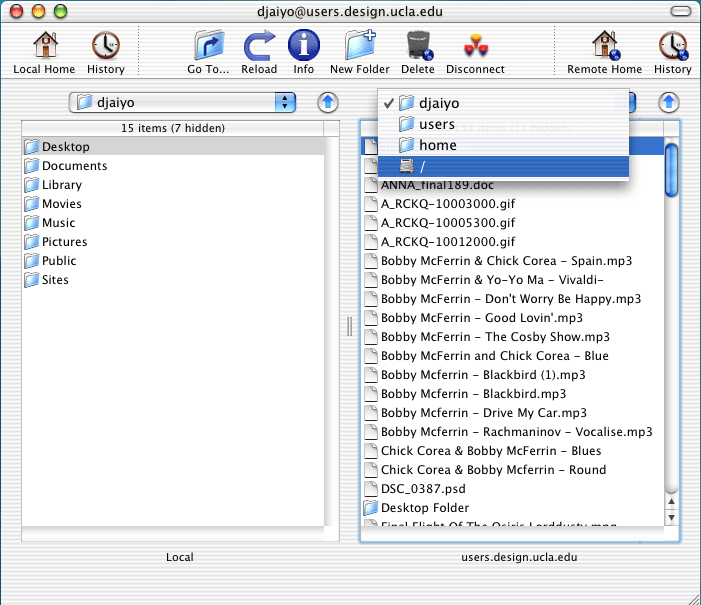
to access the temp area, go above the right window, where it should list your
user name, and pull down the drop down menu
select /
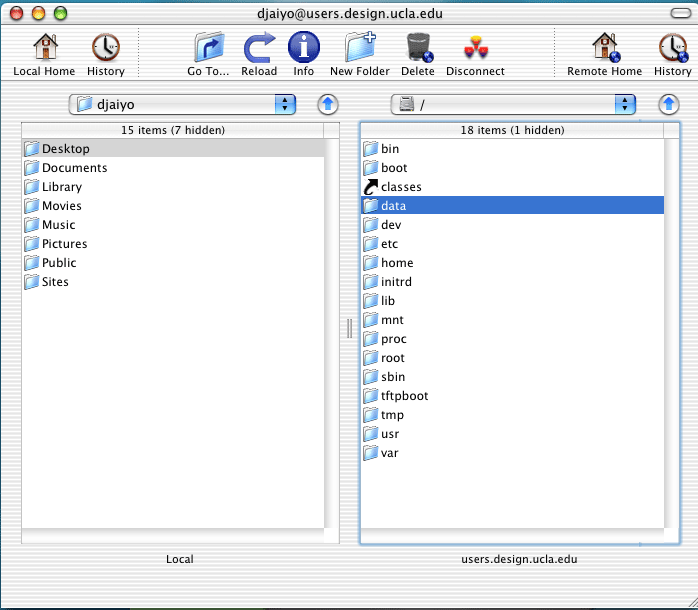
click on the folder called data
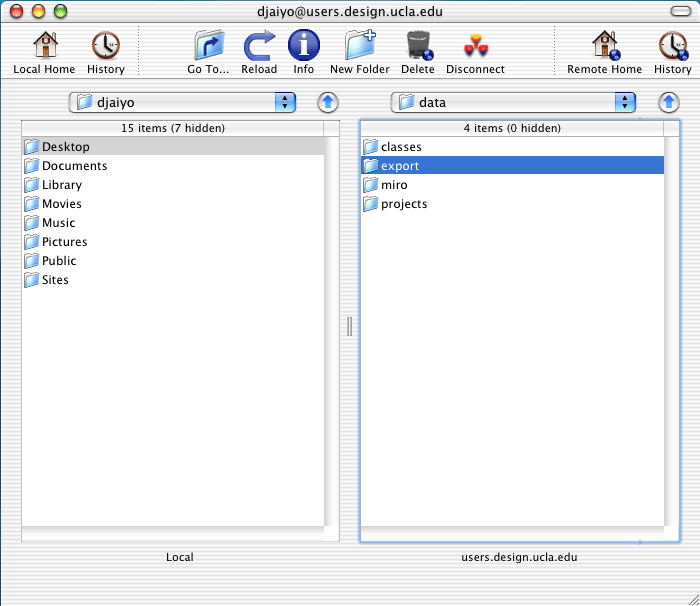
click on the folder called export
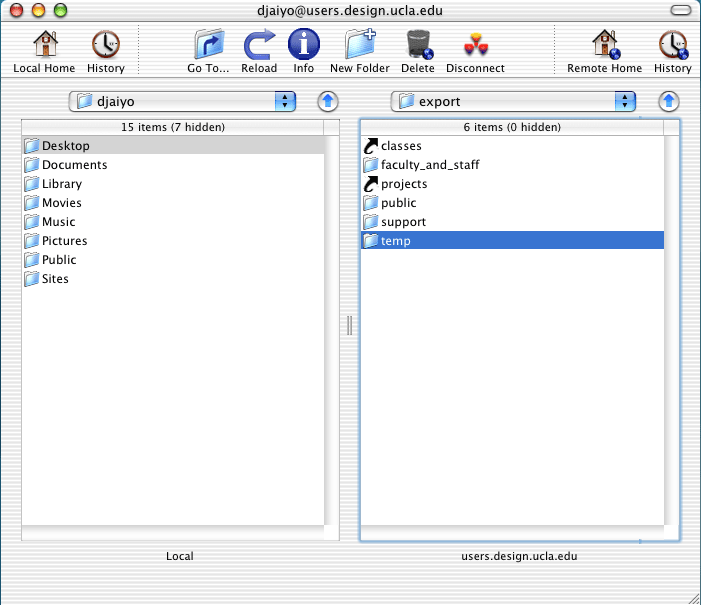
click on the folder called temp
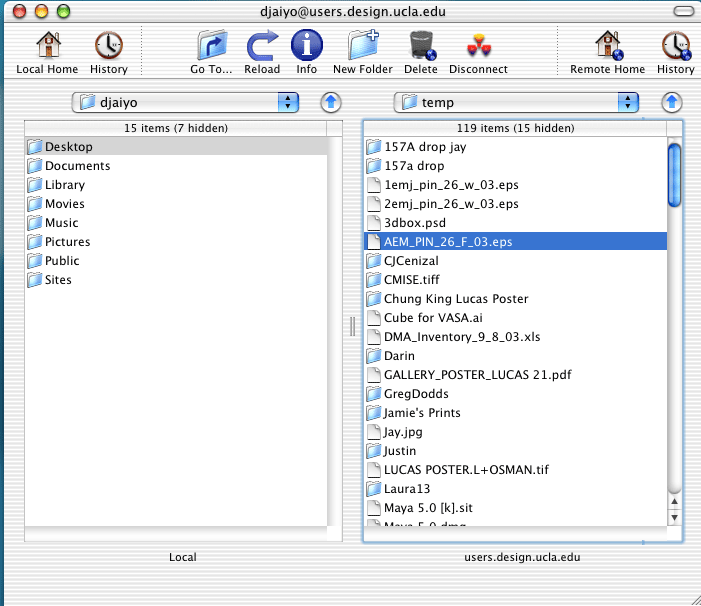
now you are in the temp folder
enjoy.
one last note: click here let's go see it!